If you need help, learn more about our Car Accident.
Hey folks, Tall Chuck here.
If you’re reading this, chances are something awful has already happened.
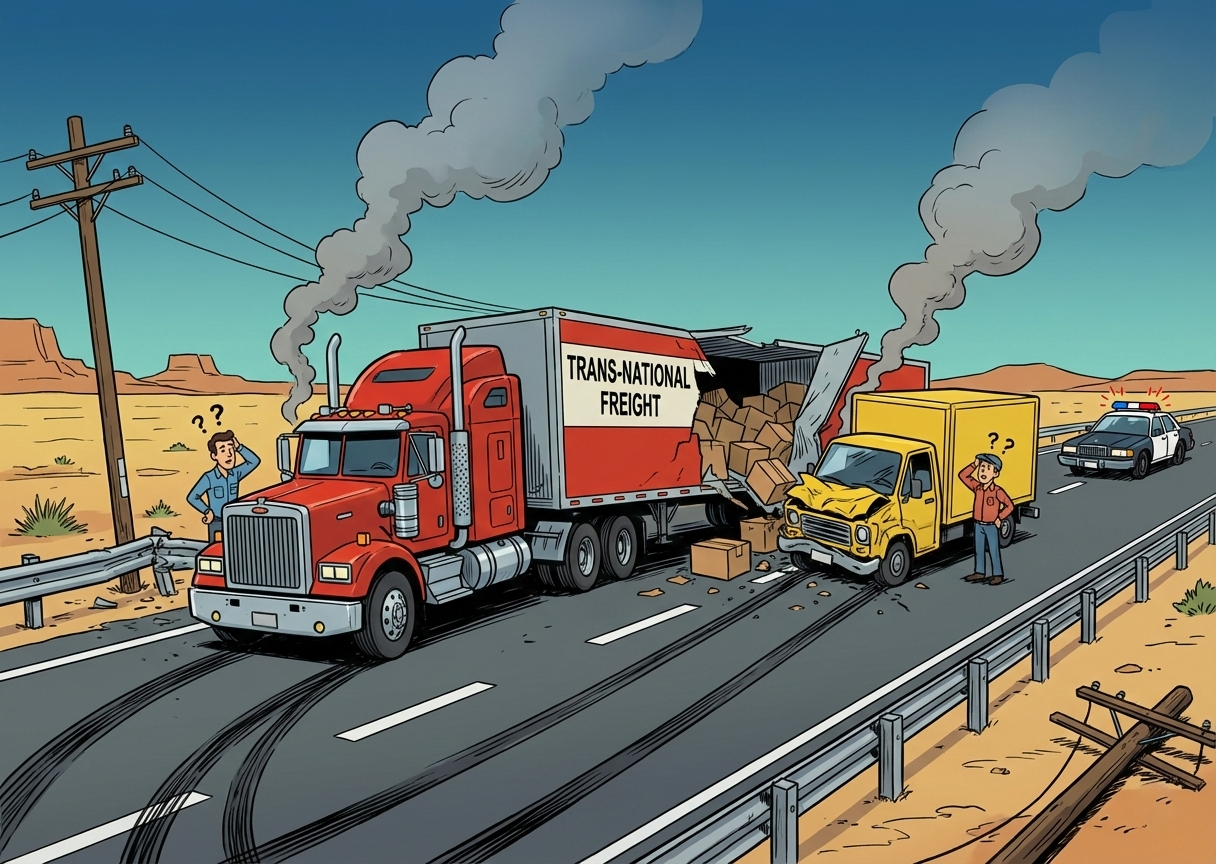
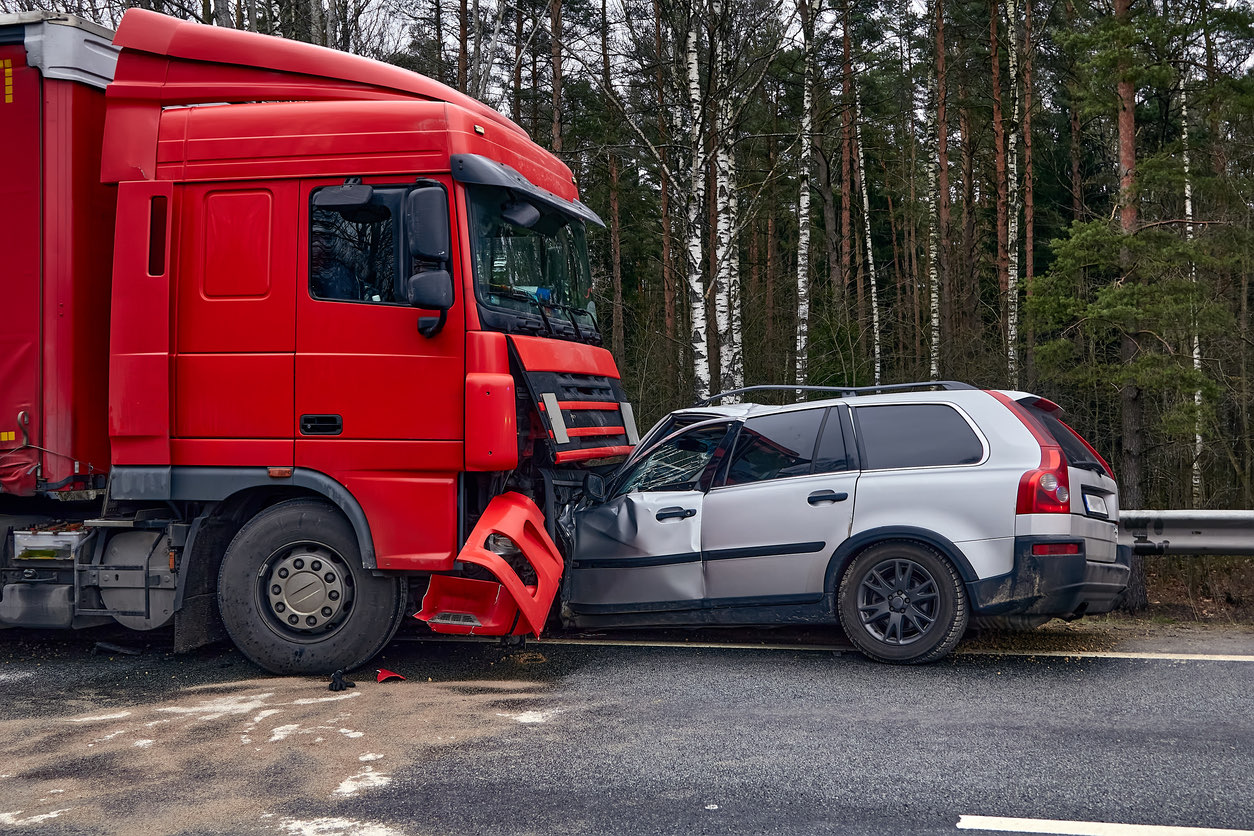
You lost someone you love, and you believe it wasn’t just “an accident.” Maybe it was a truck driver on his phone, a nursing home that ignored warning signs, or a company that cut corners on safety.
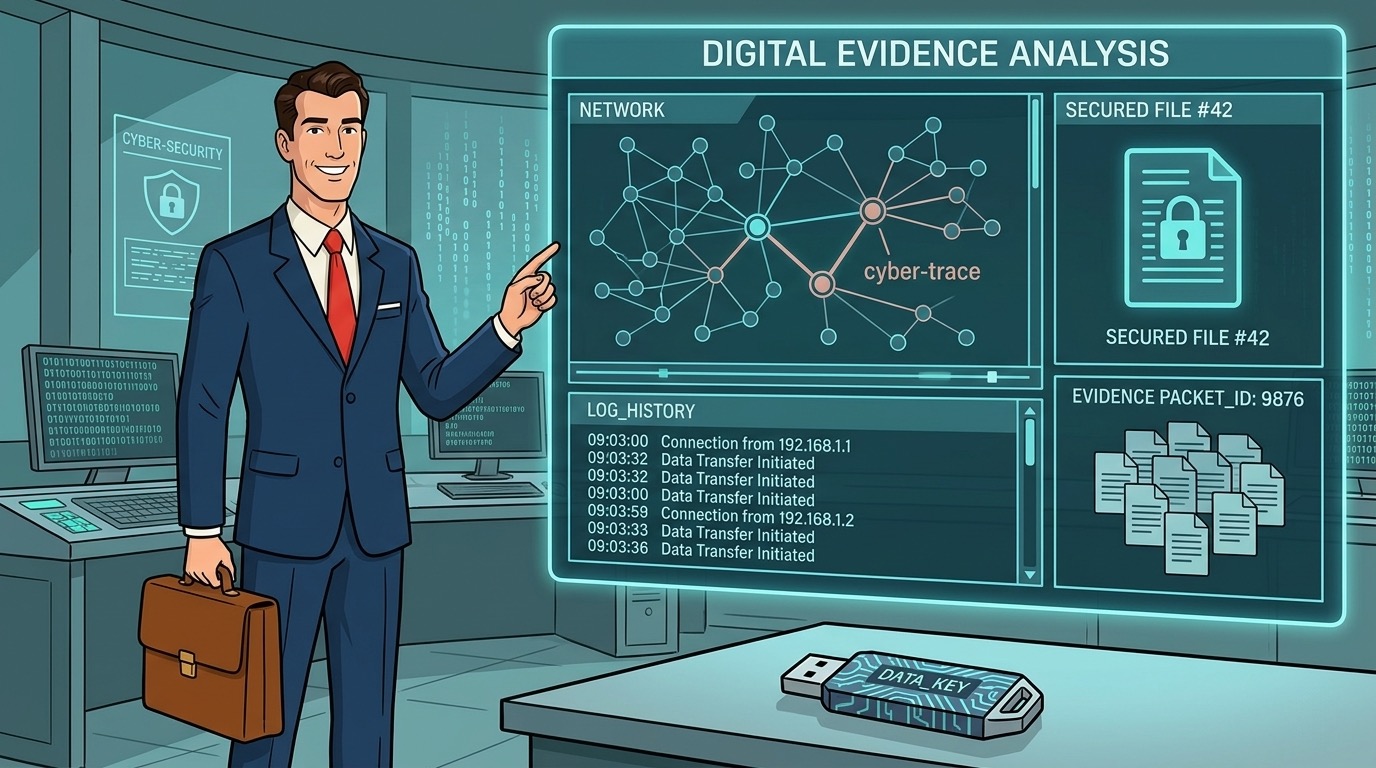
Now you’re hearing people talk about “digital evidence” in a wrongful death case - texts, emails, security footage, maybe even phone or vehicle data - and you’re wondering:
You may also want to read about our attorney Andrew Klopfer.
- Does this stuff really matter?
- What should I be saving?
- Is it already too late?
Let’s walk through it together in plain English.
Real Talk: Why Digital Evidence Matters So Much in Wrongful Death Cases
A wrongful death case is a claim that someone’s death was caused by another person or company’s carelessness, recklessness, or wrongdoing. It’s not just about money. It’s about truth, accountability, and making sure the same thing doesn’t happen to another family.
Here’s the hard truth: In today’s world, digital evidence in wrongful death cases can make or break the whole claim.
We’re talking about:
- Texts and emails that show what people knew and when they knew it
- Security camera footage that shows what actually happened
- Phone, vehicle, and device data that reveal speed, braking, calls, and more
- Company electronic records that show warnings ignored or rules broken
The stakes are high:
- Money – medical bills, funeral costs, lost income, long‑term financial security
- Accountability – forcing a company or person to admit fault or be held responsible
- Future safety – pushing changes so no one else’s mom, dad, spouse, or child gets hurt the same way
Digital evidence is often the strongest electronic proof in a wrongful death case. But it can disappear fast if no one acts. Learn more about safe toys and gifts for children.
And I mean fast - some security systems record over footage in 7–14 days.
I’m 7 feet tall, and from up here I get a good view of just how often companies “lose” things that should’ve been saved.
Plain‑Talk Translation: Key Terms You’ll Hear
Let’s clear up a couple of terms you might hear thrown around.
“Digital evidence”
- That’s just any proof stored on a phone, computer, camera, or other device.
- Examples: texts, emails, social media posts, videos, GPS, security footage, electronic logs.
“Spoliation”
- That’s a fancy word for destroying or losing evidence that should’ve been preserved.
- If a company “accidentally” records over security footage after getting warned to save it, that can be spoliation. Courts and juries do not like that.
“Preservation letter”
- This is a formal letter a lawyer sends to a person or company saying:
- “We know there’s potential evidence. You are now on notice. Don’t delete it.”
- It’s how we pin them down so they can’t just shrug and say, “Oops, it’s gone.”
Free consultation
Been in a truck accident?
Bennett Legal fights for maximum compensation. Free consultation.
7 Biggest Types of Digital Evidence in Wrongful Death Cases
Let’s break down the main kinds of digital evidence in wrongful death cases and why they matter.
1. Text Messages, DMs, and Chats
These can come from:
- The person who passed away
- The at‑fault driver, nurse, or employee
- Witnesses or co‑workers
They can show:
- Complaints about unsafe conditions (“My brakes are bad, they won’t fix them”)
- Warnings (“You’re too tired to drive. Pull over.”)
- Pressure (“Boss is making us cut corners again”)
- Threats or admissions (“I shouldn’t have been driving”)
What to do:
Don’t delete anything. Take screenshots that clearly show names, dates, and times. Back them up to a cloud drive or email them to yourself.
2. Emails
Emails are often gold in electronic proof of wrongful death, especially with companies:
- Safety complaints that went unanswered
- Internal warnings from employees
- Instructions to ignore rules or push production
- Corporate “damage control” after the incident
What to do:
Save copies. Don’t just leave them sitting in inboxes that someone might close or wipe. Download or forward them to a safe account.
3. Photos and Videos on Phones
Your loved one, you, or witnesses may have:
- Photos of dangerous conditions (broken rails, wet floors, bad wiring)
- Videos from just before the incident (road conditions, behavior of others)
- Photos of injuries, vehicles, or equipment afterward
What to do:
Back everything up. Keep the original device safe and make digital copies. Don’t edit or “clean up” the images.
4. Social Media Posts
Social media can show:
- Dangerous behavior (texting while driving, drinking, bragging about shortcuts)
- Admissions (“I messed up big time today”)
- Witness comments about what they saw
- Your loved one’s condition, mood, or complaints leading up to the incident
What to do:
Take screenshots and, if possible, use tools to download posts or videos. Be careful about what you yourself post - insurance companies and defense lawyers watch social media like hawks.
5. Security Camera and Doorbell Footage
This is often the most powerful digital evidence in wrongful death cases:
- Store cameras
- Workplace surveillance
- Traffic cameras
- Ring or other doorbell cameras
- Neighboring businesses (gas stations, convenience stores, etc.)
They can show:
- How the crash, fall, or incident actually happened
- Who was where and when
- Conditions (lighting, spills, obstructions)
- How long it took to respond or call for help
What to do:
- Act immediately - many systems overwrite footage in days.
- Politely ask the owner in writing to save and provide a copy.
- Contact a lawyer so we can send a formal preservation letter fast.
6. Phone, Vehicle, and Device Data
This includes:
- Cell phone records (calls, texts, data use, sometimes app use)
- Vehicle “black box” or event data recorder (speed, braking, seatbelts)
- GPS logs (route, speed, stops)
- Fitness trackers and smartwatches (heart rate, movement, falls)
This kind of electronic proof in wrongful death can show:
- Speeding
- Sudden braking
- Use of phone while driving
- Delays in responding or calling 911
What to do:
Don’t hand over devices or authorize data access without talking to a lawyer. We can help you request needed records the right way.
7. Company Electronic Records
For businesses, nursing homes, trucking companies, and others, digital evidence might include:
- Training records
- Safety inspection logs
- Electronic time records
- Maintenance logs
- Internal messaging platforms (Slack, Teams, etc.)
- Alarm and alert logs (who acknowledged what and when)
These can prove:
- They knew about a danger
- They didn’t fix it
- They pushed workers to break rules
- They ignored warnings
Pro Tip from Tall Chuck:
Camera footage and digital logs are like ripe peaches - they don’t stay good for long. The sooner you act, the better your odds of keeping that evidence from being “accidentally” deleted.
What You Should Do Right Now to Protect Digital Evidence
Here’s your step‑by‑step game plan.
Step 1: Stop Deleting and Changing Things
- Don’t erase texts, photos, or emails connected to what happened.
- Don’t “tidy up” phones or accounts.
- Don’t reset devices.
Even well‑meant “clean up” can destroy important digital evidence in a wrongful death case.
Step 2: Make Secure Copies
For anything you can access:
- Screenshot texts, posts, and messages with timestamps
- Download or copy photos and videos
- Save emails as PDFs or forward them to a safe address you control
Keep a backup in at least two places - like a cloud drive and an external hard drive.
Step 3: Write Down Where Potential Evidence Might Be
Make a simple list:
- Which businesses or homes might have cameras?
- Which phones, computers, or tablets might have relevant messages or photos?
- Which companies or facilities (employer, nursing home, hospital) might have logs or records?
You don’t need to get everything yourself. But knowing where it lives helps your lawyer go after it quickly.
Step 4: Be Careful Talking to Insurance and Companies
Insurance adjusters and company reps may ask for:
- Full phone access
- Social media logins
- “All your photos and videos”
- Signed releases that let them go digging
Slow down. These folks don’t work for you.
Talk to a lawyer before handing over broad access to your private digital life. We can help you share what’s necessary without giving them a fishing license.
Step 5: Talk to a Wrongful Death Lawyer Sooner, Not Later
A lawyer who knows digital evidence in wrongful death cases can:
- Send preservation letters before evidence is destroyed
- File motions if someone deletes or hides evidence
- Work with experts to recover or analyze data
- Subpoena records from phone companies, employers, and other entities
You focus on your family. Let us focus on making sure electronic proof of wrongful death is collected, preserved, and used the right way.
Pro Tip from Tall Chuck
When in doubt, save it. Let your lawyer decide what’s useful. I’d rather sort through extra screenshots than find out a key message or video got erased forever.
Story Time: Two Families, Two Very Different Outcomes
Let me tell you a quick story to show how this plays out.
Family A lost a loved one in a truck crash. A gas station nearby had cameras that caught the whole wreck. The family waited months to talk to a lawyer. By the time anyone asked for the footage, it had been taped over. No one planned it - the system just recycled.
We still fought, but we lost a powerful piece of proof.
Family B called a lawyer within days of a similar crash. We sent preservation letters to the trucking company and nearby businesses right away. One camera showed the truck driver was on his phone and never hit the brakes.
That video changed everything: the settlement, the accountability, and the company’s policies.
Same kind of tragedy. Completely different strength of case - all because of how digital evidence was handled.
7 Common Mistakes Families Make With Digital Evidence (and How to Avoid Them)
Nobody hands you a rulebook after a tragedy. Most people have never even heard the phrase “digital evidence” before they’re in the middle of the worst week of their lives.
Here are some of the most common mistakes I see - and how to avoid them.
Mistake #1: Waiting Too Long to Act on Video and Digital Logs
Security cameras and digital systems often overwrite themselves in days or weeks.
- Gas station footage gets taped over.
- Nursing home logs get “archived” or “purged.”
- Vehicle data gets wiped during repairs.
What to do instead: As soon as you suspect something was recorded, write it down and talk to a lawyer so preservation letters can go out fast.
Mistake #2: “Cleaning Up” Phones, Computers, or Accounts
Families delete texts, photos, or emails because:
- They’re painful to look at
- They think they’re “irrelevant”
- They’re trying to free up space
But those messages and images can become key proof of what your loved one went through - or what the at‑fault party did or knew.
What to do instead: Don’t delete. Don’t reset devices. Don’t edit photos or screenshots. Save everything first and let your lawyer decide what’s important.
Mistake #3: Trusting Companies to Save Evidence on Their Own
- “We’ll look into it.”
- “We’re taking this very seriously.”
- “We’ll keep all the records.”
I’ve heard every version of that speech.
Without a formal preservation letter or legal pressure, companies may “lose,” overwrite, or quietly destroy records that hurt them.
What to do instead: Assume nothing is being preserved unless a lawyer has put them on notice in writing.
Mistake #4: Handing Over Full Access to Insurance or Company Investigators
Adjusters and company reps sometimes want:
- Full phone downloads
- Social media logins
- Broad medical or data releases
- Access to “all your photos and videos”
They’re not asking because they’re curious. They’re looking for anything they can use to minimize or deny your claim.
What to do instead: Don’t sign broad releases or give full access without legal advice. Share only what’s necessary, and let your lawyer control the flow of information.
Mistake #5: Posting Too Much (or the Wrong Things) on Social Media
In the middle of grief and anger, people:
- Vent about what happened
- Argue with witnesses or company reps online
- Make guesses about the cause
- Share details they don’t actually know
Defense lawyers and insurance companies screenshot everything. They can twist a single post to make you look unreasonable, confused, or inconsistent.
What to do instead: Keep social media quiet and private about the case. Save posts that might be evidence, but don’t argue your case on Facebook, Instagram, or TikTok.
Mistake #6: Assuming “There’s Probably No Digital Evidence Anyway”
I’ve seen cases turned around by:
- A neighbor’s Ring camera
- A passing driver’s dashcam
- A smartwatch showing movement - or a sudden stop
- A single text message about “cutting corners again”
You’d be surprised what’s out there.
What to do instead: Make a simple list of where cameras and devices might be (homes, businesses, vehicles, phones, wearables) and share it with your lawyer. Let us chase it down.
Mistake #7: Trying to Do All the Evidence Work Yourself
You’re grieving, working, raising kids, handling funeral arrangements - and on top of that, trying to:
- Track down video
- Argue with companies
- Preserve devices
- Decode phone or vehicle records
That’s too much for any person.
What to do instead: Your job is to take care of your family. Let a wrongful death lawyer handle the heavy legal lifting - preservation letters, subpoenas, experts, and the fights over destroyed or “lost” digital evidence.
You’re Not Alone, and You’re Not Crazy for Asking These Questions
Let me say this plainly: You’re not greedy. You’re not overreacting. You’re a family member trying to make sense of a nightmare and protect your future.
The fact that you’re even thinking about digital evidence in a wrongful death case tells me you’re doing your best to stand up for your loved one.
That’s strong. That’s smart. And you don’t have to walk it alone.
How Bennett Legal and Tall Chuck Can Help
At Bennett Legal, this is the work:
- Protecting families after serious loss
- Fighting fraud, cover‑ups, and corner‑cutting
- Turning confusion into a clear game plan
In wrongful death cases involving digital evidence, we:
- Move fast to lock down security footage and electronic records
- Send preservation letters and, when necessary, go to court over destroyed evidence
- Work with experts to pull data from phones, vehicles, and devices
- Deal with insurance companies so you’re not bullied or tricked into giving up your rights
If you’re worried digital proof might disappear - or you don’t even know what might be out there - that’s exactly the kind of problem we handle.
Reach out, tell us what happened, and we’ll talk through your situation in plain English. No pressure, no fancy talk - just straight answers and a plan.
Keep standing tall, folks.
Chuck’s got your back.
DISCLAIMER: This article provides general information and is not legal advice. Wrongful death law is extremely complex and varies significantly by state, including who can file and the deadline to do so (Statute of Limitations). Do not use this information to make filing decisions. You must consult a qualified attorney in your jurisdiction immediately.
Related Reading
Free consultation
Been in a truck accident?
Bennett Legal fights for maximum compensation. Free consultation.